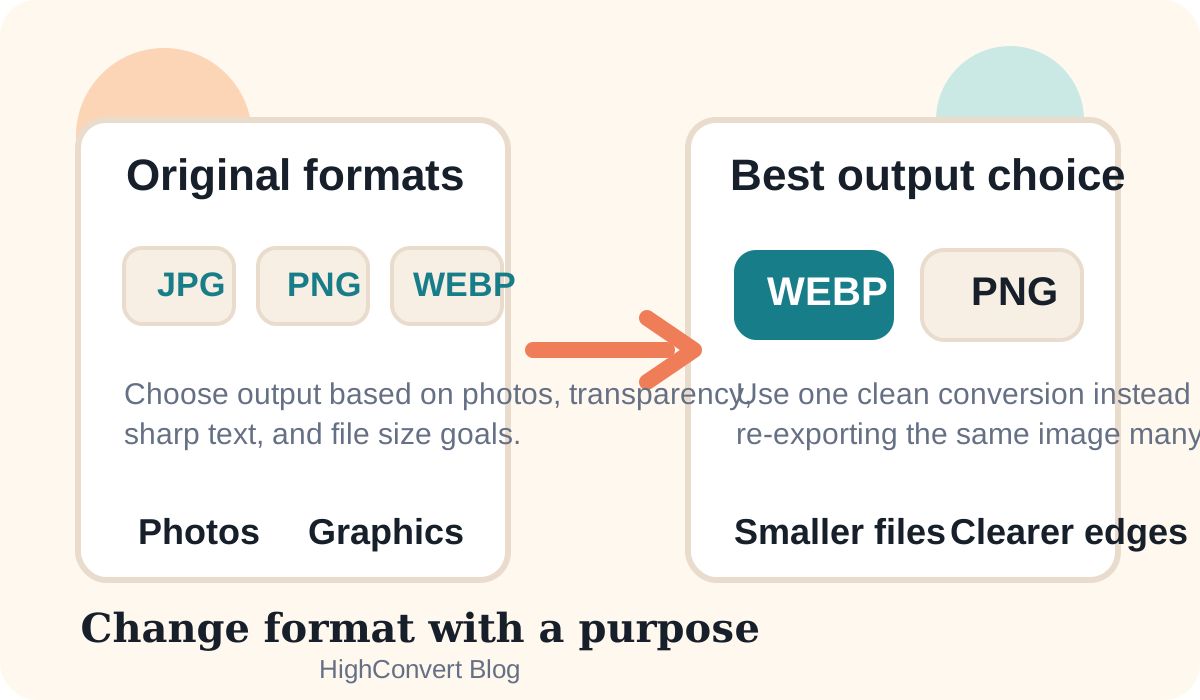
A format change is not just a file extension swap. Each format stores image data differently. Some are better for photos, some for sharp graphics, and some for transparency. If you choose the right output, your image can stay clean while also becoming easier to share or faster to load.
Start with the image type
Before converting, ask what kind of image you have. Photos usually do well in JPG or WebP. Logos, screenshots, or graphics with transparent edges often do better in PNG or WebP. Modern formats like AVIF can be excellent for file size, but browser support and export support may vary.
Best format changes for common cases
- JPG to PNG: Useful when you need to keep the image inside a design workflow, but it will not magically restore lost JPG detail.
- PNG to JPG: Good for large photos or screenshots when transparency is not needed and file size matters more.
- JPG to WebP: Often a strong move for websites because file size can drop while quality stays visually similar.
- PNG to WebP: A practical choice for many web graphics because it can keep transparency with better compression.
- JPG or PNG to AVIF: Great for aggressive compression, but only when your target browsers and tools support it well.
How to avoid visible quality loss
- Start with the highest-quality original you have
- Do not convert the same file repeatedly through several lossy formats
- Keep the original dimensions unless you also need to resize
- Use PNG when transparency or sharp edges matter
- Use WebP or AVIF when file size matters and support is acceptable
Good workflow with HighConvert
- Upload the original image.
- Choose the most suitable output format for the final use case.
- Keep quality high for JPG, WebP, or AVIF exports when the image is important.
- Compare the before and after preview.
- Download the best version and keep the original file too.
Final advice
The safest way to change image format without losing quality is to make fewer conversions, pick the correct output for the image type, and avoid unnecessary recompression. A cleaner workflow usually beats trying to rescue a file after too many edits.