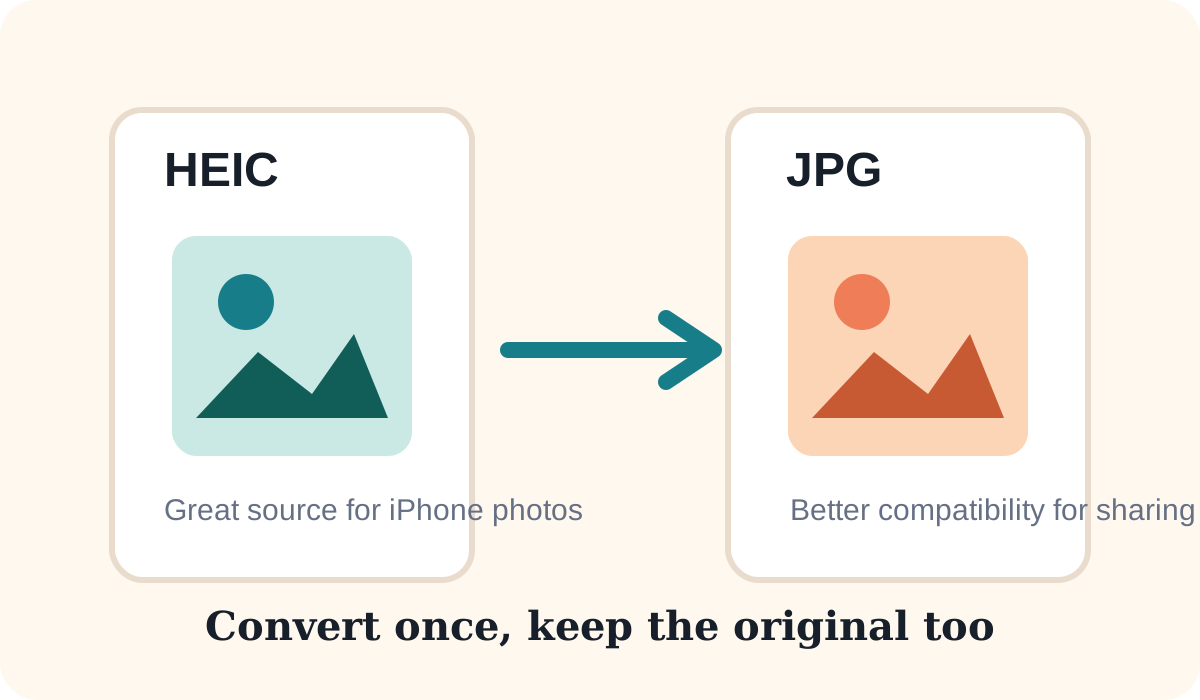
HEIC can look excellent while staying compact, but some websites, apps, and office workflows still prefer JPG. If you need broader compatibility, converting HEIC to JPG can be the practical choice.
Why HEIC can look different after conversion
HEIC and JPG use different compression systems. JPG is older and more widely supported, but it is also a lossy format. That means some detail can change during export, especially if the quality setting is too low or the image is exported several times.
Best way to protect quality
- Convert from the original HEIC file, not from an already converted JPG
- Keep the output dimensions the same unless you also need resizing
- Use a high quality setting when the image is important
- Avoid editing and saving the same photo repeatedly as JPG
When JPG is the right output
- Uploading to sites that do not accept HEIC
- Sending images in email to mixed devices
- Using photos in office documents or older software
- Posting to platforms that already recompress uploads
Using HighConvert
Browser support for HEIC depends on the device and browser, so results can vary. When supported, convert once, compare the preview, and download the JPG that best balances quality and compatibility.